
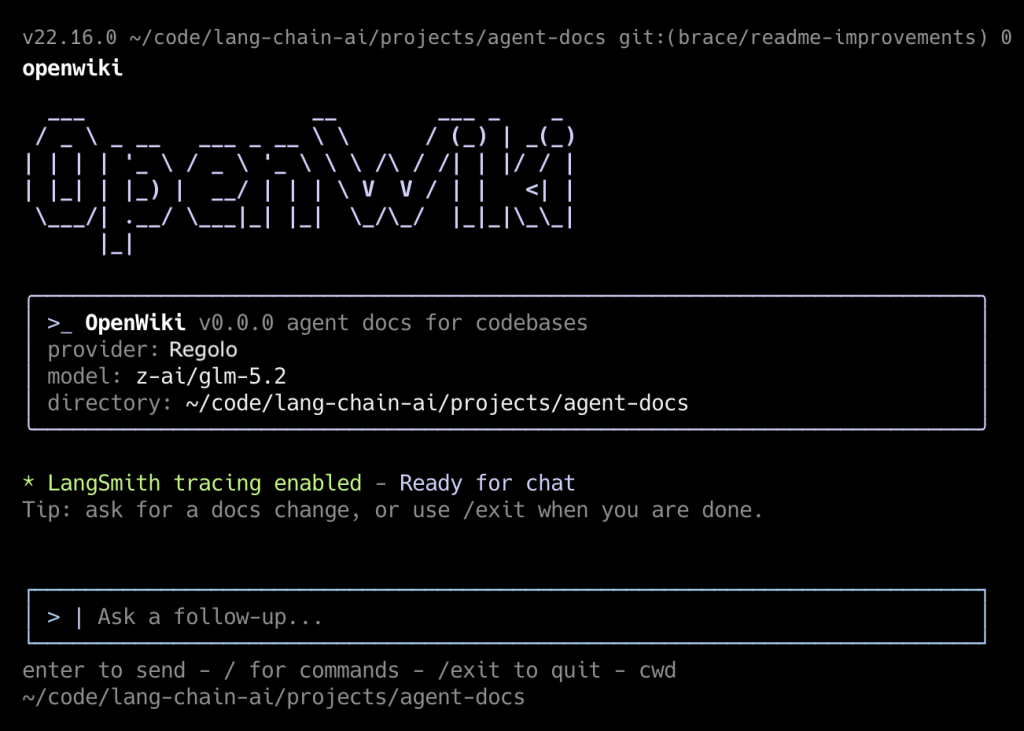
OpenWiki is a CLI tool built by LangChain that writes and maintains documentation for your codebase using an LLM agent – Instead of hand-writing wikis that rot the moment code changes, OpenWiki inspects your repo (including git history), generates a structured openwiki/ directory of Markdown pages, and keeps them in sync through surgical delta-updates. It also injects pointers into AGENTS.md / CLAUDE.md so your coding agents (Claude Code, Cursor, etc.) automatically consult the generated docs.
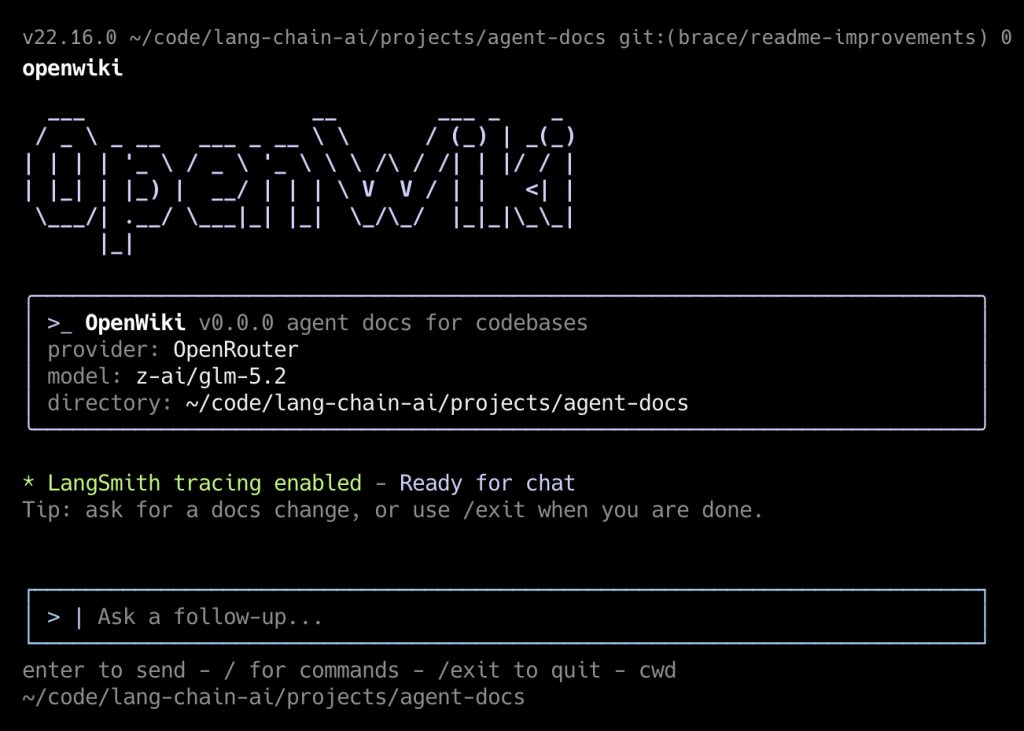
This guide walks you through installing it on your desktop, running it against a real repo, wiring up daily auto-update PRs via GitHub Actions, and understanding where it shines and where it falls short.
Quick summary (TL;DR): OpenWiki is an open-source CLI agent that scans your repository and Git history to generate and delta-update a structured openwiki/ Markdown knowledge base linked into AGENTS.md and CLAUDE.md. Running OpenWiki against Regolo’s European endpoints keeps proprietary enterprise codebases under certified Zero Data Retention.
Prerequisites
| Requirement | Detail |
|---|---|
| Node.js | v20 or higher (v22 recommended for CI) |
| npm | Ships with Node |
| Git | OpenWiki reads commit history as evidence |
| An LLM API key | OpenRouter (default), Anthropic, OpenAI, Baseten, Fireworks, or any OpenAI-compatible endpoint |
| A repository | Public or private — OpenWiki only needs local filesystem + git access |
Verify your environment:
node --version    # must be >= v20
git --version
npm --versionCode language: Bash (bash)
If you need to upgrade Node, the cleanest way on macOS/Linux is via nvm:
curl -o https://raw.githubusercontent.com/nvm-sh/nvm/v0.40.1/install.sh | bash
nvm install 22
nvm use 22Code language: Bash (bash)
Install OpenWiki globally
npm install -g openwikiCode language: Bash (bash)Confirm it landed:
openwiki --helpCode language: Bash (bash)You should see usage, options (--init, --update, -p/--print, --modelId), and examples.
Point OpenWiki at a repository
OpenWiki operates on the current working directory, so cd into any git repo you want documented. For this walkthrough we’ll use a real project:
# Clone something worth documenting
git clone https://github.com/your-org/your-repo.git
cd your-repoCode language: Bash (bash)
OpenWiki works fine on private repos — it only touches the local filesystem and local git history. It never pushes anything itself; that’s the GitHub Action’s job.
First run — the interactive configuration wizard
The first time you launch OpenWiki interactively, it runs a setup wizard that writes credentials to ~/.openwiki/.env (permissions 0600, directory 0700). Launch it:
openwikiCode language: Bash (bash)The wizard will walk you through:
- Provider selection → OpenRouter (default), Anthropic, OpenAI, Baseten, Fireworks, or
openai-compatible. - API key entry → e.g.
OPENROUTER_API_KEY,ANTHROPIC_API_KEY,OPENAI_API_KEY. - Model ID → pick from presets (GLM 5.2, Kimi K2.6, Sonnet 5, …) or enter a custom model ID.
- LangSmith API key (optional) → enables tracing under the
openwikiLangSmith project.
When finished, the file looks like this:
cat ~/.openwiki/.envCode language: Bash (bash)Now setup the Regolo API params
Here’s the catch: setting up regolo as provider all your company data still remain private, our infrastructure is privacy by design and we don’t store prompt or any data you send us.
OPENWIKI_PROVIDER=regolo
OPENAI_COMPATIBLE_API_KEY=YOUR_API_KEY
OPENAI_COMPATIBLE_BASE_URL=https://api.regolo.ai/v1
OPENWIKI_MODEL_ID=your-modelCode language: Bash (bash)
Skip the wizard — set env vars directly
For scripting or headless setups you can pre-populate the environment instead of going through the wizard. OpenWiki prefers process-level env vars over the .env file:
export OPENWIKI_PROVIDER=openrouter
export OPENROUTER_API_KEY="sk-or-v1-xxxxxxxx"
export OPENWIKI_MODEL_ID="z-ai/glm-5.2"

openwiki --init --printCode language: Bash (bash)
Generate the initial documentation (--init)
The cold-start command. It assumes no prior docs exist and builds the wiki from scratch by inspecting the project structure, key files, and git history.
openwiki --initCode language: Bash (bash)Use --print for a non-interactive one-shot run (ideal for scripts):
openwiki --init --printCode language: Bash (bash)What it produces inside your repo:
your-repo/
├── AGENTS.md                  # created/updated with a pointer to openwiki/quickstart.md
├── CLAUDE.md                  # same, if you use Claude Code
└── openwiki/
    ├── quickstart.md           # entrypoint — high-level orientation
    ├── architecture/
    │   └── overview.md
    ├── agent/
    │   └── workflow.md
    ├── operations/
    │   └── credentials-and-updates.md
    ├── cli/
    │   └── usage.md
    └── .last-update.json       # metadata: timestamp, gitHead, model used
Code language: Bash (bash)
.last-update.json is the anchor that lets future --update runs know which commit was last documented:
{
  "command": "init",
  "gitHead": "a1b2c3d...",
  "modelId": "z-ai/glm-5.2",
  "updatedAt": "2026-07-06T08:00:00Z"
}Code language: JavaScript (javascript)
Inspect what was generated:
ls -la openwiki/
cat openwiki/quickstart.mdCode language: Bash (bash)
Keep documentation in sync (--update)
After you commit new code, refresh only the pages that drifted:
openwiki --updateCode language: Bash (bash)Or non-interactively:
openwiki --update --printCode language: Bash (bash)How the delta logic works:
- Reads
openwiki/.last-update.json→ gets the last documentedgitHead. - Runs
git log <last-head>..HEADto find new commits. - Asks the agent to surgically edit only pages whose content is now inaccurate, incomplete, or misleading.
- Takes a content snapshot of
openwiki/before and after; only bumps.last-update.jsonif something actually changed. This prevents empty PRs in CI. - If no relevant changes are found → no-op.
Try it end-to-end:
# Make a meaningful change
echo "// new module" > src/new_feature.ts
git add . && git commit -m "feat: add new_feature module"

# Refresh docs
openwiki --update --print

# See what changed
git diff openwiki/Code language: Bash (bash)
Interactive chat mode
Without flags, OpenWiki opens a TUI chat (built with Ink/React) where you converse with an agent that has full repo context:
openwikiCode language: Bash (bash)Send an initial message and keep the session open:
openwiki "Explain the authentication flow in this repo"Code language: Bash (bash)One-shot question, print answer, exit:
openwiki -p "List every external service this codebase depends on"Code language: Bash (bash)Override the model for a single run without editing config:
openwiki --modelId anthropic/claude-sonnet-4 -p "Summarize the deployment pipeline"Code language: Bash (bash)Automate daily doc updates with GitHub Actions
This is OpenWiki’s killer feature for teams. You schedule openwiki --update to run on a cron, and it auto-opens a PR whenever docs need refreshing.
Add the workflow file
Create .github/workflows/openwiki-update.yml in your repo:
name: OpenWiki Update

on:
  workflow_dispatch:
  schedule:
    # GitHub schedules use UTC; 08:00 UTC is midnight PST.
    - cron: "0 8 * * *"

permissions:
  contents: write
  pull-requests: write

jobs:
  update:
    runs-on: ubuntu-latest
    steps:
      - name: Check out repository
        uses: actions/checkout@v4

      - name: Set up Node.js
        uses: actions/setup-node@v4
        with:
          node-version: "22"

      - name: Install OpenWiki
        run: npm install --global openwiki

      - name: Run OpenWiki
        run: openwiki --update --print
        env:
          OPENROUTER_API_KEY: ${{ secrets.OPENROUTER_API_KEY }}
          OPENWIKI_MODEL_ID: z-ai/glm-5.2
          LANGSMITH_API_KEY: ${{ secrets.LANGSMITH_API_KEY }}
          LANGCHAIN_PROJECT: openwiki
          LANGCHAIN_TRACING_V2: "true"

      - name: Create OpenWiki update pull request
        uses: peter-evans/create-pull-request@v7
        with:
          add-paths: openwiki
          branch: openwiki/update
          commit-message: "docs: update OpenWiki"
          title: "docs: update OpenWiki"
          body: |
            Automated OpenWiki documentation update.

            This PR was generated by the scheduled OpenWiki workflow.
Code language: Bash (bash)
Add the required repository secrets
In your GitHub repo → Settings → Secrets and variables → Actions → New repository secret:
| Secret name | Required | Purpose |
|---|---|---|
OPENROUTER_API_KEY | Yes (if using OpenRouter) | Authenticates the LLM provider |
OPENWIKI_MODEL_ID | No (can hardcode in YAML) | Which model to use |
LANGSMITH_API_KEY | No | Optional tracing |
If you use a different provider, swap the env block accordingly — e.g.
ANTHROPIC_API_KEY: ${{ secrets.ANTHROPIC_API_KEY }}and setOPENWIKI_PROVIDER=anthropic.
Commit and test manually
git add .github/workflows/openwiki-update.yml
git commit -m "ci: add OpenWiki daily update workflow"
git push origin mainCode language: JavaScript (javascript)
Trigger it immediately instead of waiting for the cron:
gh workflow run openwiki-update.ymlCode language: CSS (css)Watch the run:
gh run watchWhen it finishes, you’ll get a PR titled “docs: update OpenWiki” scoped to the openwiki/ directory. Review the diff, merge, done.
Start your free 30-day trial at regolo.ai and deploy LLMs with complete privacy by design.
👉 Talk with our Engineers or Start your 30 days free →
- Discord – Share your thoughts
- GitHub Repo – Code of blog articles ready to start
- Follow Us on X @regolo_ai
- Open discussion on our Subreddit Community
Built with ❤️ by the Regolo team. Questions? regolo.ai/contact or chat with us on Discord
Frequently asked questions
How does OpenWiki keep codebase documentation up to date?
Instead of regenerating the entire wiki on every commit, OpenWiki inspects Git diffs and performs surgical delta-updates only on the Markdown pages affected by recent code changes.
How do coding agents like Claude Code and OpenCode use OpenWiki?
OpenWiki injects structured index pointers into AGENTS.md and CLAUDE.md so coding agents consult the compiled architecture docs instead of re-reading every file on cold start.
How can enterprises run OpenWiki under GDPR and Zero Data Retention?
Point OpenWiki at Regolo’s European API using Qwen3.8-27B or GLM-5.2. Compare OpenWiki with persistent cross-agent memory in ai-memory, interactive HTML + SVG architecture maps with diagram-design, privacy-first AI in Europe, and our European sovereign AI alternatives directory.