
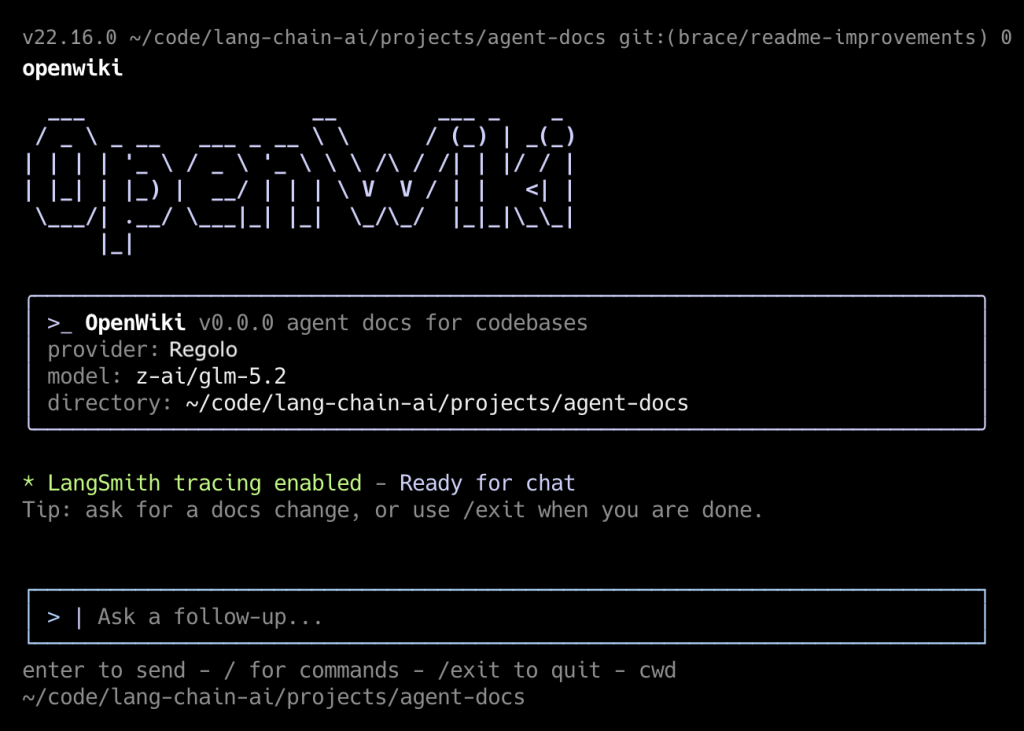
OpenWiki is a CLI tool built by LangChain that writes and maintains documentation for your codebase using an LLM agent – Instead of hand-writing wikis that rot the moment code changes, OpenWiki inspects your repo (including git history), generates a structured openwiki/ directory of Markdown pages, and keeps them in sync through surgical delta-updates. It also injects pointers into AGENTS.md / CLAUDE.md so your coding agents (Claude Code, Cursor, etc.) automatically consult the generated docs.
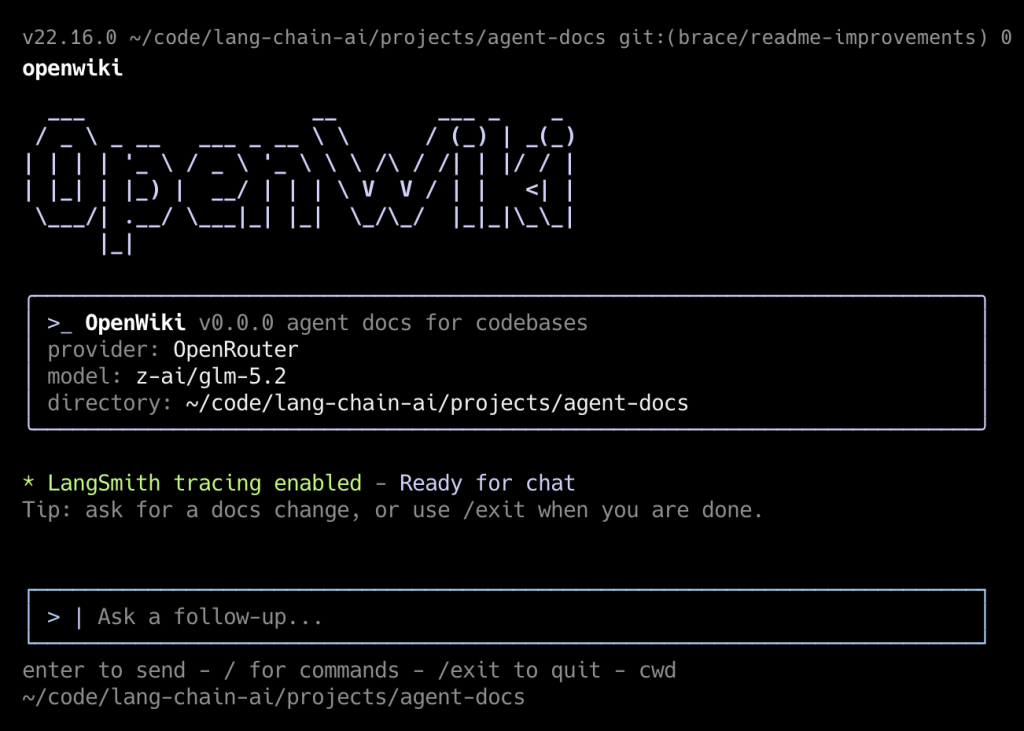
This guide walks you through installing it on your desktop, running it against a real repo, wiring up daily auto-update PRs via GitHub Actions, and understanding where it shines and where it falls short.
Prerequisites
| Requirement | Detail |
|---|---|
| Node.js | v20 or higher (v22 recommended for CI) |
| npm | Ships with Node |
| Git | OpenWiki reads commit history as evidence |
| An LLM API key | OpenRouter (default), Anthropic, OpenAI, Baseten, Fireworks, or any OpenAI-compatible endpoint |
| A repository | Public or private — OpenWiki only needs local filesystem + git access |
Verify your environment:
node --version    # must be >= v20
git --version
npm --versionCode language: Bash (bash)
If you need to upgrade Node, the cleanest way on macOS/Linux is via nvm:
curl -o https://raw.githubusercontent.com/nvm-sh/nvm/v0.40.1/install.sh | bash
nvm install 22
nvm use 22Code language: Bash (bash)
Install OpenWiki globally
npm install -g openwikiCode language: Bash (bash)Confirm it landed:
openwiki --helpCode language: Bash (bash)You should see usage, options (--init, --update, -p/--print, --modelId), and examples.
Point OpenWiki at a repository
OpenWiki operates on the current working directory, so cd into any git repo you want documented. For this walkthrough we’ll use a real project:
# Clone something worth documenting
git clone https://github.com/your-org/your-repo.git
cd your-repoCode language: Bash (bash)
OpenWiki works fine on private repos — it only touches the local filesystem and local git history. It never pushes anything itself; that’s the GitHub Action’s job.
First run — the interactive configuration wizard
The first time you launch OpenWiki interactively, it runs a setup wizard that writes credentials to ~/.openwiki/.env (permissions 0600, directory 0700). Launch it:
openwikiCode language: Bash (bash)The wizard will walk you through:
- Provider selection → OpenRouter (default), Anthropic, OpenAI, Baseten, Fireworks, or
openai-compatible. - API key entry → e.g.
OPENROUTER_API_KEY,ANTHROPIC_API_KEY,OPENAI_API_KEY. - Model ID → pick from presets (GLM 5.2, Kimi K2.6, Sonnet 5, …) or enter a custom model ID.
- LangSmith API key (optional) → enables tracing under the
openwikiLangSmith project.
When finished, the file looks like this:
cat ~/.openwiki/.envCode language: Bash (bash)Now setup the Regolo API params
Here’s the catch: setting up regolo as provider all your company data still remain private, our infrastructure is privacy by design and we don’t store prompt or any data you send us.
OPENWIKI_PROVIDER=regolo
OPENAI_COMPATIBLE_API_KEY=YOUR_API_KEY
OPENAI_COMPATIBLE_BASE_URL=https://api.regolo.ai/v1
OPENWIKI_MODEL_ID=your-modelCode language: Bash (bash)
Skip the wizard — set env vars directly
For scripting or headless setups you can pre-populate the environment instead of going through the wizard. OpenWiki prefers process-level env vars over the .env file:
export OPENWIKI_PROVIDER=openrouter
export OPENROUTER_API_KEY="sk-or-v1-xxxxxxxx"
export OPENWIKI_MODEL_ID="z-ai/glm-5.2"

openwiki --init --printCode language: Bash (bash)
Generate the initial documentation (--init)
The cold-start command. It assumes no prior docs exist and builds the wiki from scratch by inspecting the project structure, key files, and git history.
openwiki --initCode language: Bash (bash)Use --print for a non-interactive one-shot run (ideal for scripts):
openwiki --init --printCode language: Bash (bash)What it produces inside your repo:
your-repo/
├── AGENTS.md                  # created/updated with a pointer to openwiki/quickstart.md
├── CLAUDE.md                  # same, if you use Claude Code
└── openwiki/
    ├── quickstart.md           # entrypoint — high-level orientation
    ├── architecture/
    │   └── overview.md
    ├── agent/
    │   └── workflow.md
    ├── operations/
    │   └── credentials-and-updates.md
    ├── cli/
    │   └── usage.md
    └── .last-update.json       # metadata: timestamp, gitHead, model used
Code language: Bash (bash)
.last-update.json is the anchor that lets future --update runs know which commit was last documented:
{
  "command": "init",
  "gitHead": "a1b2c3d...",
  "modelId": "z-ai/glm-5.2",
  "updatedAt": "2026-07-06T08:00:00Z"
}Code language: JavaScript (javascript)
Inspect what was generated:
ls -la openwiki/
cat openwiki/quickstart.mdCode language: Bash (bash)
Keep documentation in sync (--update)
After you commit new code, refresh only the pages that drifted:
openwiki --updateCode language: Bash (bash)Or non-interactively:
openwiki --update --printCode language: Bash (bash)How the delta logic works:
- Reads
openwiki/.last-update.json→ gets the last documentedgitHead. - Runs
git log <last-head>..HEADto find new commits. - Asks the agent to surgically edit only pages whose content is now inaccurate, incomplete, or misleading.
- Takes a content snapshot of
openwiki/before and after; only bumps.last-update.jsonif something actually changed. This prevents empty PRs in CI. - If no relevant changes are found → no-op.
Try it end-to-end:
# Make a meaningful change
echo "// new module" > src/new_feature.ts
git add . && git commit -m "feat: add new_feature module"

# Refresh docs
openwiki --update --print

# See what changed
git diff openwiki/Code language: Bash (bash)
Interactive chat mode
Without flags, OpenWiki opens a TUI chat (built with Ink/React) where you converse with an agent that has full repo context:
openwikiCode language: Bash (bash)Send an initial message and keep the session open:
openwiki "Explain the authentication flow in this repo"Code language: Bash (bash)One-shot question, print answer, exit:
openwiki -p "List every external service this codebase depends on"Code language: Bash (bash)Override the model for a single run without editing config:
openwiki --modelId anthropic/claude-sonnet-4 -p "Summarize the deployment pipeline"Code language: Bash (bash)Automate daily doc updates with GitHub Actions
This is OpenWiki’s killer feature for teams. You schedule openwiki --update to run on a cron, and it auto-opens a PR whenever docs need refreshing.
Add the workflow file
Create .github/workflows/openwiki-update.yml in your repo:
name: OpenWiki Update

on:
  workflow_dispatch:
  schedule:
    # GitHub schedules use UTC; 08:00 UTC is midnight PST.
    - cron: "0 8 * * *"

permissions:
  contents: write
  pull-requests: write

jobs:
  update:
    runs-on: ubuntu-latest
    steps:
      - name: Check out repository
        uses: actions/checkout@v4

      - name: Set up Node.js
        uses: actions/setup-node@v4
        with:
          node-version: "22"

      - name: Install OpenWiki
        run: npm install --global openwiki

      - name: Run OpenWiki
        run: openwiki --update --print
        env:
          OPENROUTER_API_KEY: ${{ secrets.OPENROUTER_API_KEY }}
          OPENWIKI_MODEL_ID: z-ai/glm-5.2
          LANGSMITH_API_KEY: ${{ secrets.LANGSMITH_API_KEY }}
          LANGCHAIN_PROJECT: openwiki
          LANGCHAIN_TRACING_V2: "true"

      - name: Create OpenWiki update pull request
        uses: peter-evans/create-pull-request@v7
        with:
          add-paths: openwiki
          branch: openwiki/update
          commit-message: "docs: update OpenWiki"
          title: "docs: update OpenWiki"
          body: |
            Automated OpenWiki documentation update.

            This PR was generated by the scheduled OpenWiki workflow.
Code language: Bash (bash)
Add the required repository secrets
In your GitHub repo → Settings → Secrets and variables → Actions → New repository secret:
| Secret name | Required | Purpose |
|---|---|---|
OPENROUTER_API_KEY | Yes (if using OpenRouter) | Authenticates the LLM provider |
OPENWIKI_MODEL_ID | No (can hardcode in YAML) | Which model to use |
LANGSMITH_API_KEY | No | Optional tracing |
If you use a different provider, swap the env block accordingly — e.g.
ANTHROPIC_API_KEY: ${{ secrets.ANTHROPIC_API_KEY }}and setOPENWIKI_PROVIDER=anthropic.
Commit and test manually
git add .github/workflows/openwiki-update.yml
git commit -m "ci: add OpenWiki daily update workflow"
git push origin mainCode language: JavaScript (javascript)
Trigger it immediately instead of waiting for the cron:
gh workflow run openwiki-update.ymlCode language: CSS (css)Watch the run:
gh run watchWhen it finishes, you’ll get a PR titled “docs: update OpenWiki” scoped to the openwiki/ directory. Review the diff, merge, done.
Start your free 30-day trial at regolo.ai and deploy LLMs with complete privacy by design.
👉 Talk with our Engineers or Start your 30 days free →
- Discord – Share your thoughts
- GitHub Repo – Code of blog articles ready to start
- Follow Us on X @regolo_ai
- Open discussion on our Subreddit Community
Built with ❤️ by the Regolo team. Questions? regolo.ai/contact or chat with us on Discord