

👉 Get started — 30 days free →
What is OpenClaw (ex Clawdbot)?
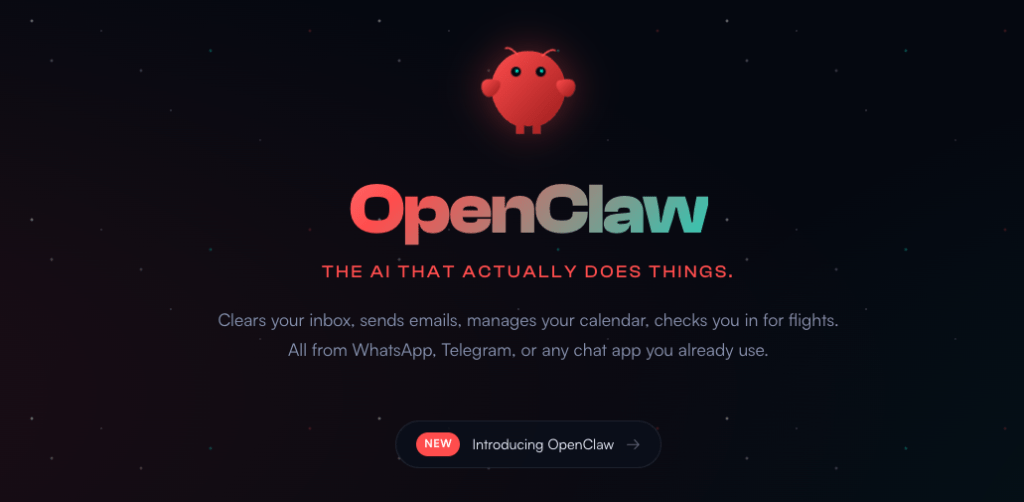
Enter Clawdbot, which recently rebranded to OpenClaw following a request from Anthropic (the company behind Claude). Despite the name change, the core concept remains the same: an open-source AI assistant designed to run locally on your computer and connect directly to your messaging and work apps.
OpenClaw, created by Peter Steinberger (founder of PSPDFKit), is free under the MIT license, is fundamentally different from a typical conversational chatbot like ChatGPT or Claude in a browser.
While it uses models like Claude or GPT, its unique power lies in its ability to execute tasks on your computer. It acts as an agent, capable of:
- Reading your email
- Managing your calendar
- Running shell commands
- Handling complex workflows automatically
How it works
OpenClaw operates as a background service on Mac, Linux, or Windows (via WSL). You interact with it through normal chat messages after connecting it to platforms like WhatsApp, Slack, Discord, or Telegram.
The system is built on “skills”—modular plugins that give the AI specific capabilities. These skills include:
- Gmail and calendar management
- Web browsing and form filling
- File system access and organization
- Shell command execution
- API integrations with various services
When you send a message, OpenClaw processes the request, determines the necessary actions, executes them through the relevant skills, and reports back the results.Key Things You Can Do With OpenClaw.
OpenClaw is designed to drastically reduce time spent on daily, repetitive tasks:
- Email Management: It can read incoming messages, draft replies, schedule meetings, and manage follow-ups, with users reporting a reduction in daily email time from hours to minutes.
- Calendar Coordination: It handles scheduling conflicts and finds meeting times across multiple calendars, sending out invitations and reminders as needed.
- Research and Briefings: Before meetings, it can automatically research attendees, pull relevant information, and create briefing documents.
- Monitoring and Alerts: It proactively watches RSS feeds, important email threads, flight statuses, or system metrics, notifying you when attention is required.
- Workflow Automation: Complex, multi-step business processes like invoice processing, report generation, or data collection can be automated with minimal oversight.
Common Use Cases:
- For Developers: Code deployment monitoring, automated testing reports, and GitHub issue management.
- For Business Users: Email triage and response, meeting preparation, and customer inquiry routing.
- For Personal Productivity: Travel management, bill tracking, and appointment scheduling.
We wrote a step-by-step guide to install and setup properly in few minutes OpenClaw:
Build an Internal Knowledge Bot with Clawdbot: Embeddings + Rerank + Chat in 30 Minutes
- Regolo Discord – Share your thoughts
- GitHub Repo – Code of blog articles ready to start
- Follow Us on X @regolo_ai
- Open discussion on our Subreddit Community
🚀 Ready to scale?
Built with ❤️ by the Regolo team. Questions? support@regolo.ai or chat with us on Discord